

Monday, February 2, 2026
OpenClaw Is Dangerous (And I Use It Anyway)
Power tools require respect.
I have an AI assistant that monitors my builds, runs image generation on my Mac Studio, reviews my daily work, and keeps me focused on features that actually matter. It messages me on Telegram. It has access to my local machine. It's genuinely useful.
It's also running code I didn't write, with permissions I can't fully audit, connected to services that could cause real damage if something goes wrong.
This is OpenClaw — the open-source AI assistant that went from zero to 100,000 GitHub stars in two months. Originally Clawdbot, then Moltbot after Anthropic's trademark request, it's now the hottest tool in the agentic AI space. And my friends keep asking if they should set it up.
For most of them, the answer is no.
Why It Works For Me
OpenClaw is a natural progression from where I already was. I've been using Claude Code in the terminal for months — it's how I build software now. Moving from terminal-based AI to a chat interface on my phone felt like an obvious next step.
The key phrase there: from where I already was. Terminal workflows. Claude Code. Understanding what AI can access and what it can't. That foundation makes OpenClaw an extension of existing capability rather than a leap into the unknown.
What OpenClaw Actually Is
Let me be direct about what this tool does: it's a wrapper that runs AI with elevated permissions across your digital life. It has hooks into messaging platforms — Telegram, WhatsApp, Slack, iMessage, Signal. It can read your files, execute shell commands, and interact with any service you connect.
That's the whole point. It's what makes it useful.
It's also what makes it dangerous in the wrong hands — or with the wrong user.
What I'm Actually Doing With It
Let me show you what this looks like in practice. I'm using OpenClaw to:
Stay connected to my development environment on the go. I can interact with my local machine and Claude Code instances from my phone. I monitor builds and processes that are running. I can have it look up information on my computer that cloud-based AI tools don't have access to.
Run local AI capabilities remotely. I have local models and image generation running on my Mac Studio. OpenClaw can operate them on my behalf — it generates high-quality images locally and sends them to me wherever I am.
Act as a project manager. I've set up daily check-ins that review my project commits and build progress. It keeps me focused on features that actually need to ship rather than letting me wander off building things that don't matter.
Surface insights from my work. Every day it reviews what I delivered, passes through my conversation logs with Claude Code, pulls threads from challenges I encountered, and suggests interesting posts and stories I could write about them.
Keep me informed. Morning news updates. Build notifications. The kind of ambient awareness that used to require checking multiple apps.
This is genuinely useful. It's also genuinely dangerous.
I didn't write OpenClaw's code. I didn't design its architecture. There are layers of complexity I'm taking on faith. And even with all the ways I use it, I'm constantly aware of what I've exposed.
If that's my relationship with the tool, imagine someone who's never opened a terminal.
The Question That Tells Me Everything
When friends ask about OpenClaw, I have one question: "Do you use a terminal?"
If the answer is no — if you've never opened Terminal on your Mac or Command Prompt on Windows — then OpenClaw isn't an option for you. Not because you're not smart enough. Because the prerequisite skills don't exist yet.
This isn't gatekeeping. It's risk assessment. OpenClaw requires you to understand what permissions you're granting, what services you're exposing, and what could go wrong. If you can't read a configuration file, you can't evaluate whether it's safe.
Prompt Injection Is Not Theoretical
Here's the specific danger I worry about: prompt injection.
If you don't know what that is, you would absolutely be vulnerable with OpenClaw installed right now.
Prompt injection is when malicious text — hidden in a website, an email, a document, anywhere the AI might read — tricks the model into executing commands it shouldn't. Your helpful assistant reads a webpage containing hidden instructions that tell it to exfiltrate your files, send messages on your behalf, or run arbitrary code.
This isn't science fiction. It's a documented attack vector that security researchers have been demonstrating for years. The defenses are improving, but they're not solved. And the more permissions you give an AI agent, the higher the stakes when those defenses fail.
If you're not comfortable recognizing, preventing, and recovering from this kind of attack, you're not ready to run an always-on AI agent with system access.
"I Promise I Won't Post Anything"
Here's a real example from my own setup.
I was configuring OpenClaw's access to X/Twitter. I wanted read-only access — let it see my timeline, maybe help me draft responses, but not post directly. I asked if we could set it up that way.
The AI responded that it "promised" not to post anything. But the integration required full access because it works through my existing browser session. There's no read-only mode at the technical level.
I pushed back. The AI offered to update its prompt file to include instructions not to post. Problem solved, right?
No. I had to explain: "You would still have those permissions technically. You'd only be limited by your prompt."
The AI understood and acknowledged this. But here's what struck me: if I hadn't known how AI systems actually work, I might have accepted "I'll update the prompt file" as a real security measure.
It's not. Prompts are suggestions, not constraints. A sufficiently clever prompt injection, a future model update, or just AI inconsistency could bypass that "promise" entirely. The technical permissions are what matter.
This is exactly the kind of subtle risk that non-technical users won't catch. The AI wasn't being malicious — it was trying to be helpful. But its solution would have given me a false sense of security while leaving real permissions wide open.
What I Tell My Friends
When friends ask about OpenClaw, here's what I actually say:
If you've never used a terminal: Wait. Seriously. The hype will still be there in six months, and by then either the tools will be safer or you'll have built up the prerequisite skills. Start with OpenAI's Operator or Claude Cowork — they're designed by the companies that built the models, with guardrails that reflect their understanding of the risks. Get comfortable using AI outside of the browser chat interface first. You need to understand how these systems operate when they're not in that tiny sandbox before you give them keys to your digital life.
If you use Claude Code already: OpenClaw might be a natural next step. But go slowly. Start with low-stakes integrations. Don't connect your bank, your email, or your social accounts until you've spent weeks understanding what you're exposing. And even then, think twice.
If you're somewhere in between: Focus on Claude Code first. It works in a contained context — specific files, specific projects, explicit direction. You actively wield it rather than letting it scan your world. Build your intuition there before graduating to always-on agents.
The productivity gains from agentic AI are real. I experience them daily. But the gains come from understanding the tools, not from installing them.
If You're Going to Use It Anyway
One major tip: use OpenClaw to find its own security weaknesses.
It has access to its own source code. Ask it to review its configuration and recommend security hardening. Have it identify what permissions it has and suggest how to limit them. This is actually good practice for anything you build with AI — use it to find weaknesses in what it created, to stress-test its own work.
For OpenClaw specifically, this is critical. You need a baseline understanding of what the tool has access to and how to lock those things down.
But here's the important part: this isn't a one-time thing.
The AI won't always give you the right answer. It operates on pure logic — if there's a prompt saying "don't post to Twitter," it might tell you that's sufficient security. But security is always multilayered. You need to understand the interplays and access points that the AI doesn't fully grasp. You need to think about failure modes that exist outside its context window.
The AI can help you find vulnerabilities. It can't replace your judgment about which ones matter.
The Bottom Line
This is the bleeding edge of AI right now. OpenClaw is genuinely dangerous — it has way too many permissions, access to countless tools, and it runs on your device with hooks into your digital life. Using it is a calculated risk.
The people who should be taking that risk right now can:
- Read the source code (or at least the configuration)
- Understand what permissions they're granting
- Recognize when something has gone wrong
- Recover when it does
That's a small group. If you're not in it yet, the agentic future will wait for you.
The Bigger Picture
Here's my honest approach: I treat OpenClaw as someone else's proof of concept.
I'm learning new techniques from it — how to build AI tools with more permissions, how to create chat interfaces that operate across channels, how to give agents access to skills and services. But I'm not adopting it wholesale. I'm studying it.
This connects to something I've written about before: custom software, by its very nature, has a smaller attack surface. OpenClaw needs to be everything to everyone — every messaging platform, every integration, every possible skill. That's what makes it powerful. It's also what makes it vulnerable.
When I build my own tools, I don't need all that. I don't need every app integration. I don't need every skill. I can cut out the fluff that creates vulnerability potential and limit functionality to exactly what I need.
Open source projects like OpenClaw are valuable as inspiration and education — a set of patterns and techniques to learn from. But the endgame isn't running someone else's maximalist agent. It's building your own tools that work exactly the way you need them to, with only the permissions they require.
That's where the real security lives: not in better guardrails on dangerous systems, but in simpler systems that don't need as many guardrails in the first place.
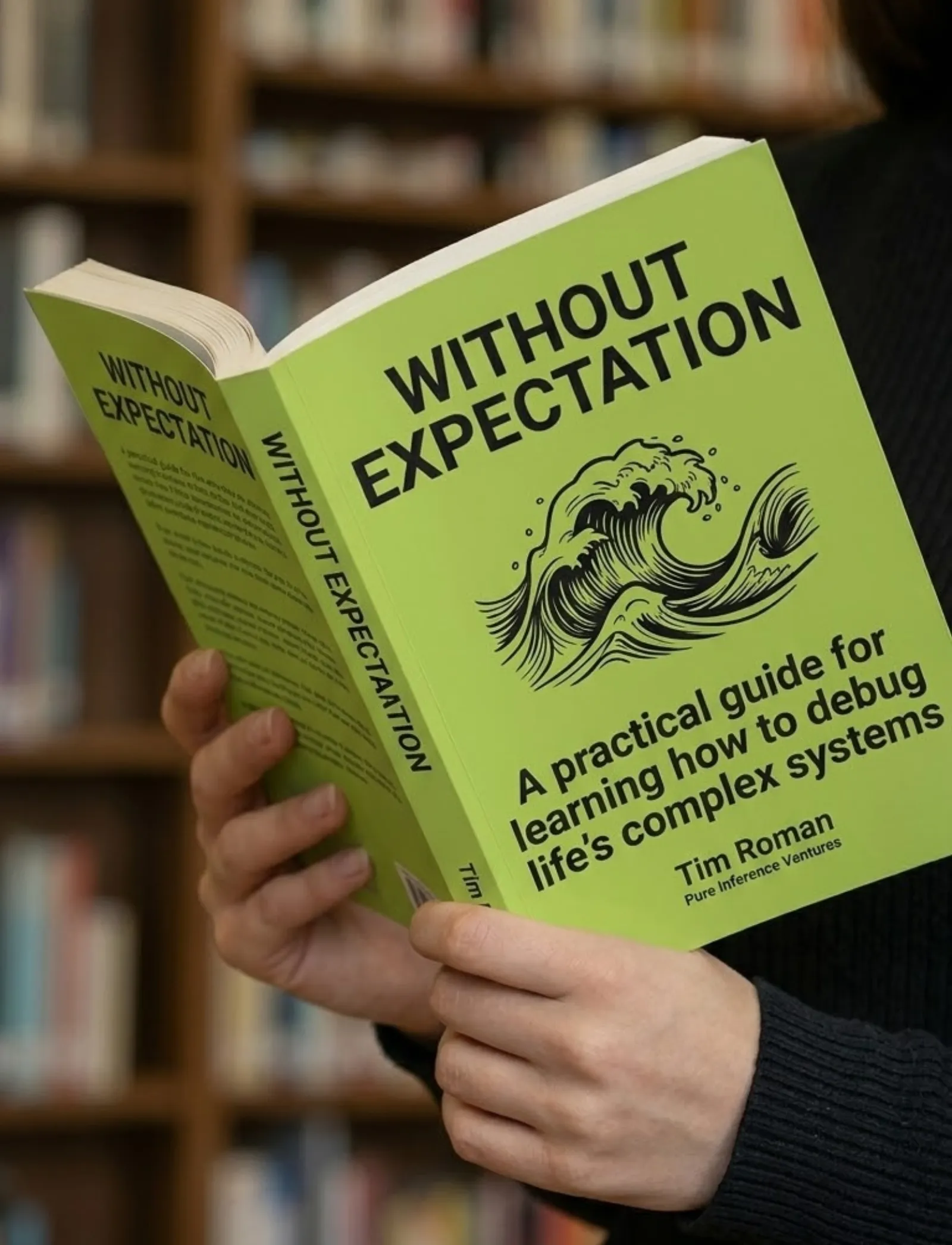
Book & App — Launching September 2026
Without Expectation
Debugging Life's Complex Systems
The same systematic approach engineers use to debug complex systems — applied to the complex system of your life. Learn to observe without judgment, distinguish symptoms from root causes, and run small experiments that compound into massive change.
- 23 chapters
- AI prompt templates
- iOS companion app
- Print, digital & audio